
How to Know When Your Phone Battery Needs Replacing (And How to Extend Its Life)
March 20, 2026If your phone has been struggling to make it through the day – or if it shuts down with 20% battery left – you’re not alone. Every phone battery has a finite lifespan, and knowing when to replace it can save you from frustration, unexpected shutdowns, and even safety risks.
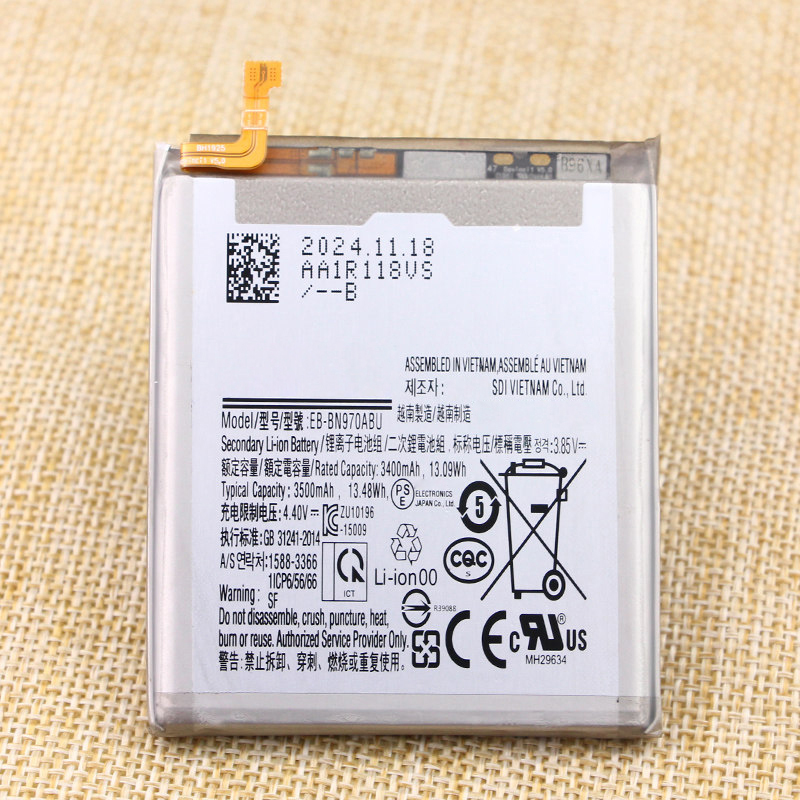
In this guide, we’ll walk you through how long phone batteries typically last, the 5 clear signs it’s time for a replacement, how to choose a safe and reliable battery, and a few simple tips to extend your battery’s life.
🔋 How Long Do Phone Batteries Actually Last?
Most modern smartphones use lithium-polymer (Li-Po) or lithium-ion (Li-Ion) batteries. These are rated for 300 to 500 full charge cycles. A full cycle means charging from 0% to 100%.
If you charge your phone once a day, that translates to roughly 1.5 to 2 years of normal use. For heavy users – gamers, streamers, or anyone who charges multiple times a day – the lifespan can drop to around 1 year.
After that point, the battery’s capacity gradually declines, and you’ll start noticing performance issues.
⚠️ 5 Signs It’s Time to Replace Your Phone Battery
Not sure if your battery is failing? Look for these 5 warning signs:
1. 🔋 Battery Life Drops Drastically
You used to get through a full workday on one charge. Now you’re reaching for the charger by lunchtime – even with just browsing and messaging.
2. ⚠️ Unexpected Shutdowns
Your phone shows 20%, 30%, or even 40% battery – then suddenly powers off, especially when opening a camera or game. This happens when the battery can no longer deliver peak current under load.
3. 🔥 Overheating
All phones get warm during heavy use, but if your phone feels unusually hot even when charging or doing simple tasks, the battery’s internal resistance has increased, causing excess heat.
4. 🧨 Swollen Battery
This is the most dangerous sign. If your screen or back cover is bulging, or you notice a strange smell, stop using the phone immediately and replace the battery. A swollen battery can damage other components and poses a fire risk.
5. ⚡ Slow Charging or Stops at 80%
If your phone takes much longer to charge than it used to, or if it gets stuck at 80% (a safety feature some phones enable when the battery is degraded), it’s time for a new battery.
✅ How to Choose a Safe Replacement Battery
When shopping for a replacement battery, don’t just look for the lowest price. Here’s what to check:
- Look for safety certifications: Batteries should be CE, RoHS, and UN38.3 certified – these ensure the battery meets international safety standards.
- Check the warranty: A reliable seller offers at least a 90-day warranty.
- Confirm compatibility: Make sure the battery is designed for your exact phone model.
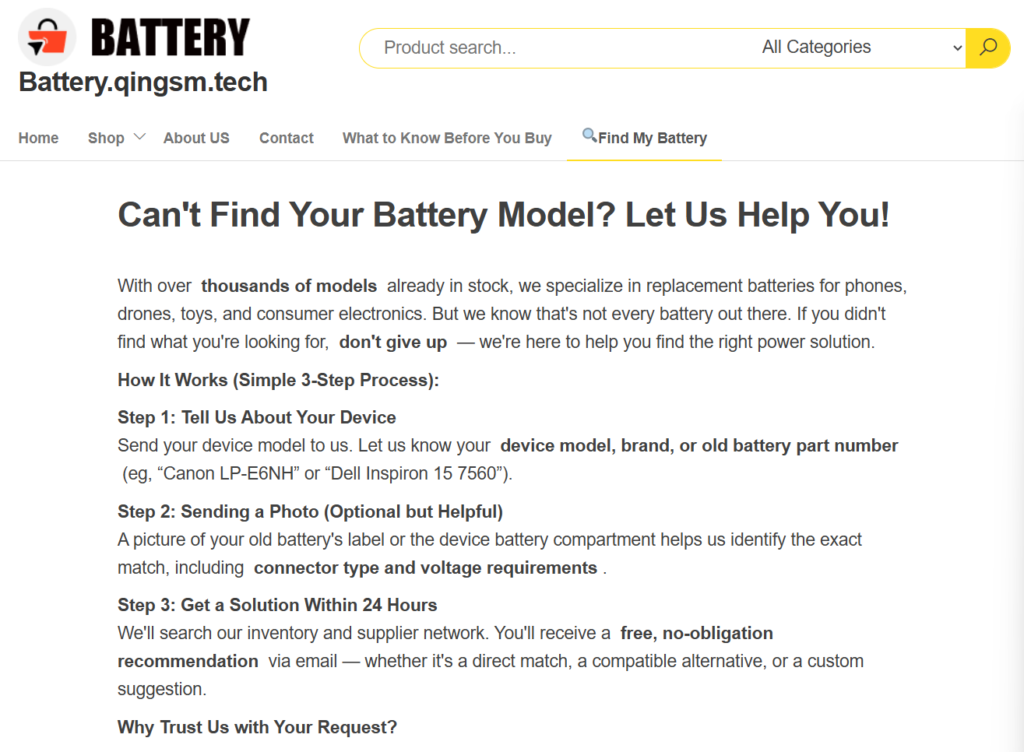
If you’re unsure which battery fits your phone, you can use our FREE Battery Lookup Service – just tell us your device model, and we’ll find a match within 24 hours.
🔧 3 Tips to Extend Your Phone Battery Life
While all batteries eventually wear out, you can slow down the aging process with a few simple habits:
- Avoid deep discharges: Don’t wait until 0% to charge. Try to keep the battery between 20% and 80% for optimal lifespan.
- Keep it cool: Heat is the #1 enemy of batteries. Avoid leaving your phone in a hot car or direct sunlight while charging.
- Don’t charge overnight regularly: While modern phones stop charging at 100%, keeping the battery at 100% for extended periods can accelerate aging. If you can, unplug when it’s full.
📦 Ready to Replace Your Battery?
If your phone is showing any of the signs above, don’t wait until it completely fails. A new battery can give your phone a second life – better performance, longer runtime, and peace of mind.
Browse our collection of high-quality replacement batteries for Samsung, Honor, Xiaomi, Doogee, and more. All are brand new, certified safe, and backed by a 90-day warranty.
👉 Shop phone batteries now
👉 Can’t find your model? Try our free lookup service
Discover more from Battery.qingsm.tech
Subscribe to get the latest posts sent to your email.